Asset Management
Asset Management tracking is vital for every city and county.
What do I have?
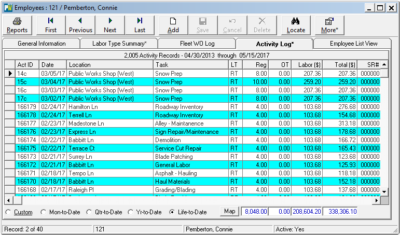
Adding assets to PubWorks is simple. Adding assets can be done by the user by hand, we can write scripts to perform bulk imports, or more elaborate programs can be used to import vast amounts of legacy and GIS data. As far as rolling stock, the same applies – vehicles are assets too!
Where is it?
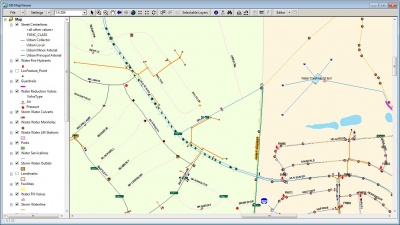
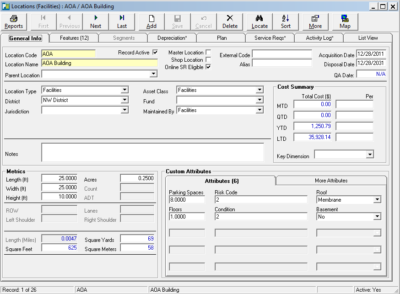
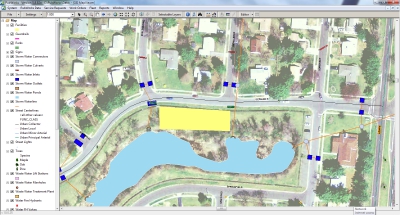
Yes, the MapViewer tells a visual story, but our asset hierarchy for Districts, Locations and Location Features allows for asset data to be organized in meaningful, report-friendly, tabular formats. Furthermore, vehicles can be linked to a parent location to help identify the shop or yard they belong to.
What condition is it in?
Asset management for your roads is part of PubWorks with the Pavement Condition Indexes, and for all fixed assets custom fields can be used to track condition. Our equipment inventory also explicitly tracks vehicle condition.
What is the remaining value?
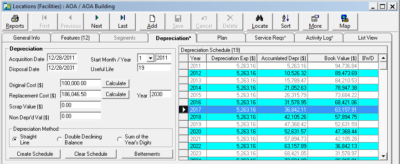
All assets in PubWorks can be outfitted with a depreciation schedule, and we have a number of reports that produce information on Net Asset Values which many customers run as part of their year-end auditing process. PubWorks also has reports with information on Asset Replacement that cut across any number of asset classes and asset types.














 WhatsApp
 LinkedIn
 Facebook
 X
X
 Email
Email