Create amazing presentations without even really trying
Using presentation templates can save a significant amount of time and reduce the risk of errors.
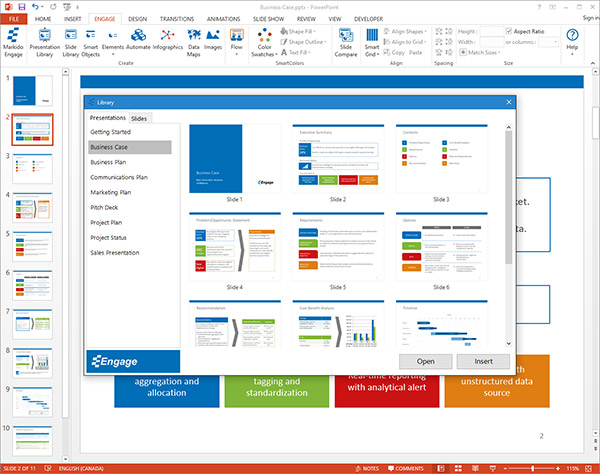
Engage comes with a series of built-in templates which can be modified before the software is deployed to include your logo on all the slides in the library.
Users can also edit any element in the template slides.
Find the perfect slide to add to your presentation
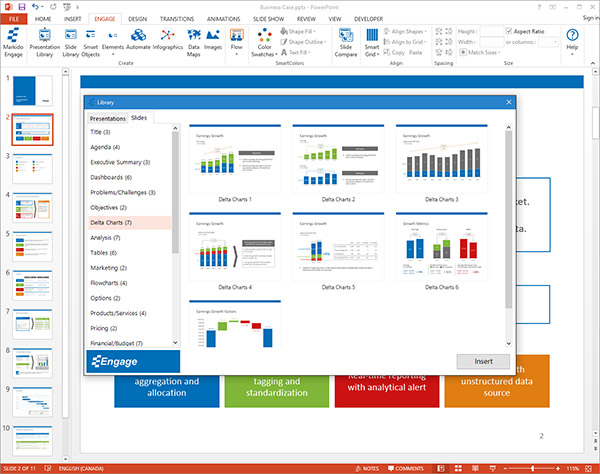
The slide library gives users the ability to quickly find and add pre-designed slides into their presentations.
The slide library is organized into 20 categories and represents the majority of all types of slides.
Similar to the presentation library, slides in the slide library can also be customized before the software is deployed to incorporate your brand.
Improve understanding, memory and engagement with SmartObjects
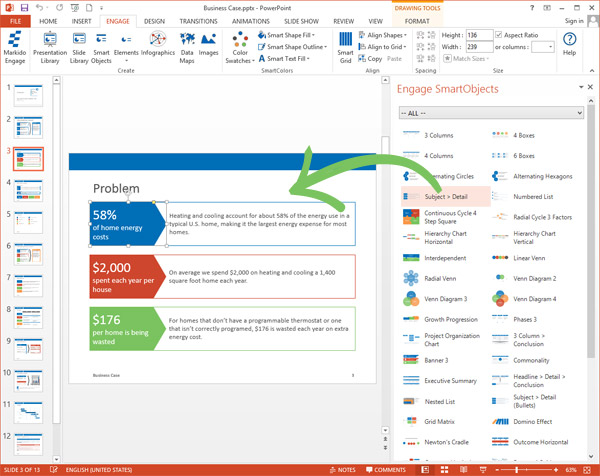
SmartObjects are pre-configured shapes that can be added on any slide to help convey information visually.
Using SmartObjects helps communicate information in a more understandable and memorable way.
These objects can be modified by simply clicking on them and then editing them like you would any shape in PowerPoint.
Add engaging design elements to your presentations
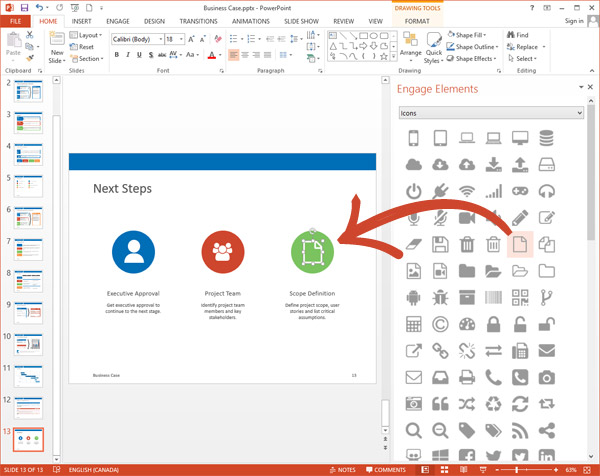
Drag and drop hundreds of built-in design elements onto any slide.
Add icons and callouts to draw attention to your content.
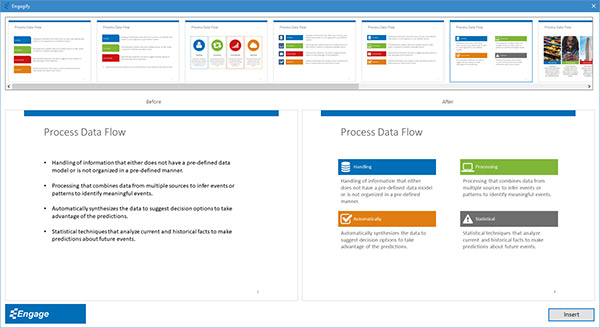
Dress up your bullet points in seconds
Quickly turn any boring bullet point slide into an attention grabbing slide.
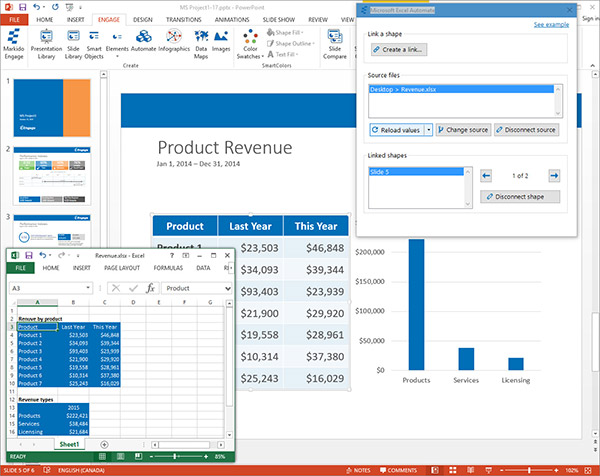
Automate your presentations
Link shapes, tables, charts, images and infographics to MS Excel and Project. When the source data changes you can update your whole presentation from multiple sources with just one click.
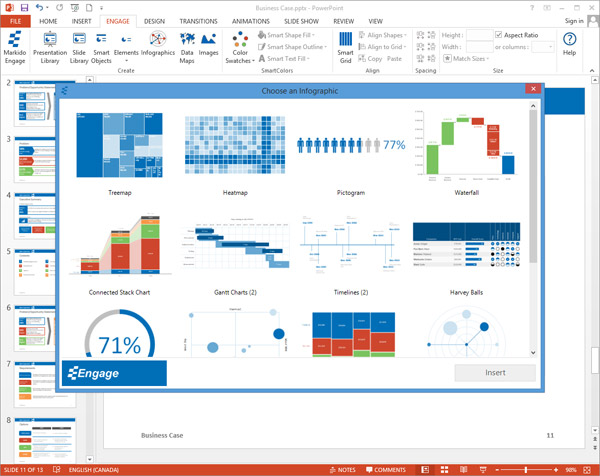
Visualize any data set
Create and edit infographics like treemaps, heatmaps, word clouds, marimekkos and pictogram charts right in PowerPoint.
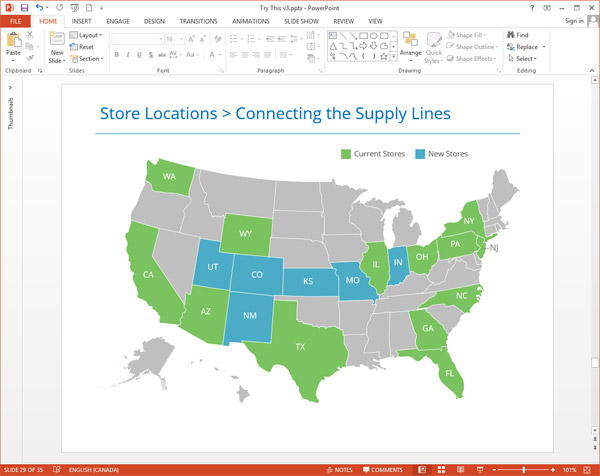
Add data maps to your presentations
Use data-driven maps to show your geographic-related data.
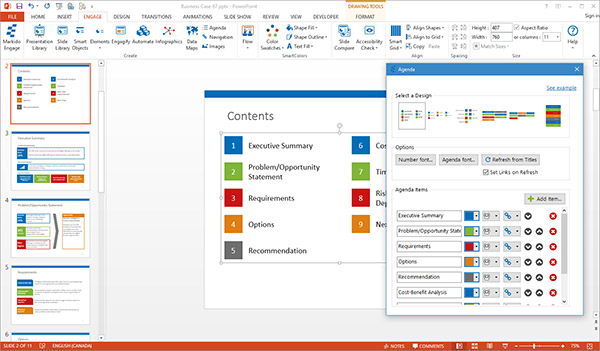
Finally, a simple Agenda
Populate your new Agenda from your current presentation titles. We also provide 6 different designs to choose from to make you look good.
After completing your presentation you can quickly go back and refresh your Agenda to match your new and updated slides.
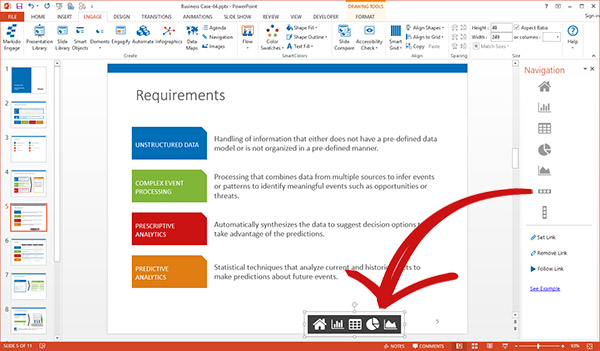
Add links within your presentation
Start by using the task pane to drag and drop some provided icons and navigation bars. Don't find what you are looking for? You can use any Engage element, icon or PowerPoint shape.
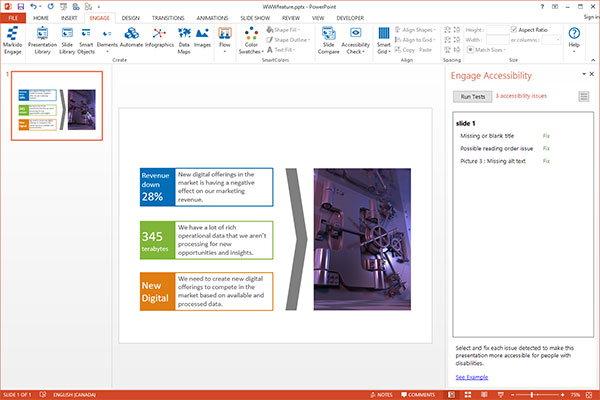
Make your presentations more accessible for people with disabilities
Run our accessibility tests to get an overview of how accessible your presentation is. We provide quick and convenient shortcuts to fix the issues that are found.
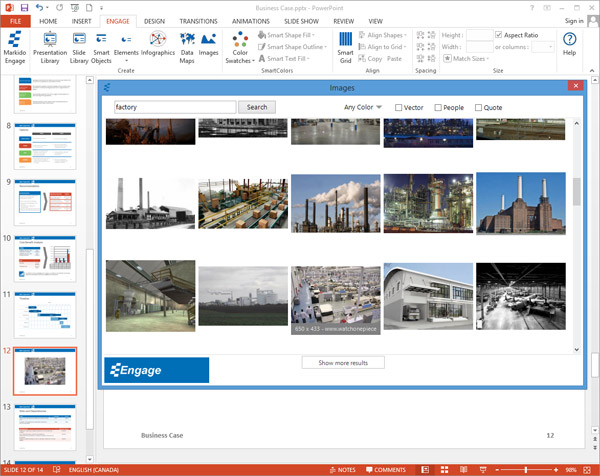
Spend less time finding the right image
Images are an important part of creating a visually impressive presentation.
Engage uses Microsoft's powerful Bing image search engine to find the exact image you're looking for.
You can search by color, image type (i.e. vector image), image content or popular quotes related to your search terms.
Once you have found the right image simply click on it to import it into your presentation.
Add motion and zoom to any presentation
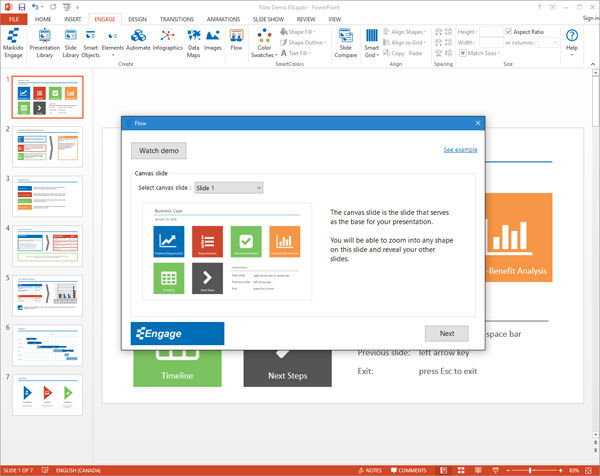
Turn any presentation into an attention grabbing presentation by adding motion and zoom right in PowerPoint.
Start by selecting a canvas slide. This is the slide that serves as the base for your presentation. You will be able to zoom into any shape on this slide and reveal your other slides.
Pick colors that work well together
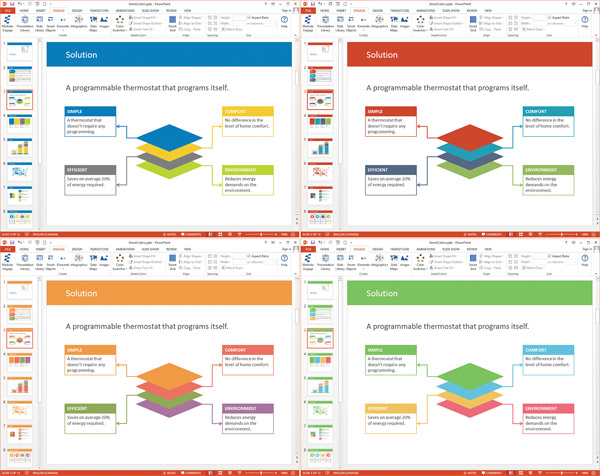
SmartColors are sets of color swatches expertly chosen for visual impact and can be applied to multiple objects throughout the presentation.
This feature lets you quickly change the look and feel of the entire presentation including charts, infographics, data maps and tables with the click of a button.
Put things where they belong with SmartGrid
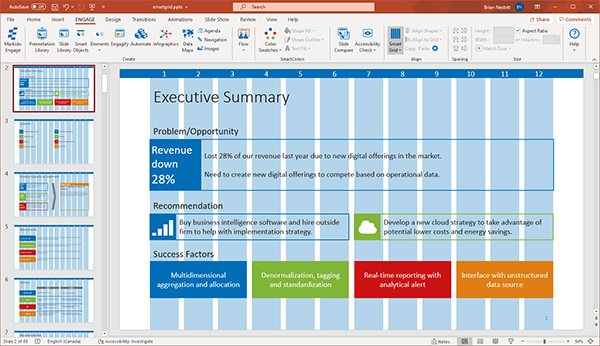
SmartGrid is a layout system that makes it easy to properly align and resize objects so that your presentations look more professional.
Engage can recognize the location of any object on your slide and can position similar objects on other slides in the exact same position.














 WhatsApp
 LinkedIn
 Facebook
 X
X
 Email
Email