Automatic Diff Matching
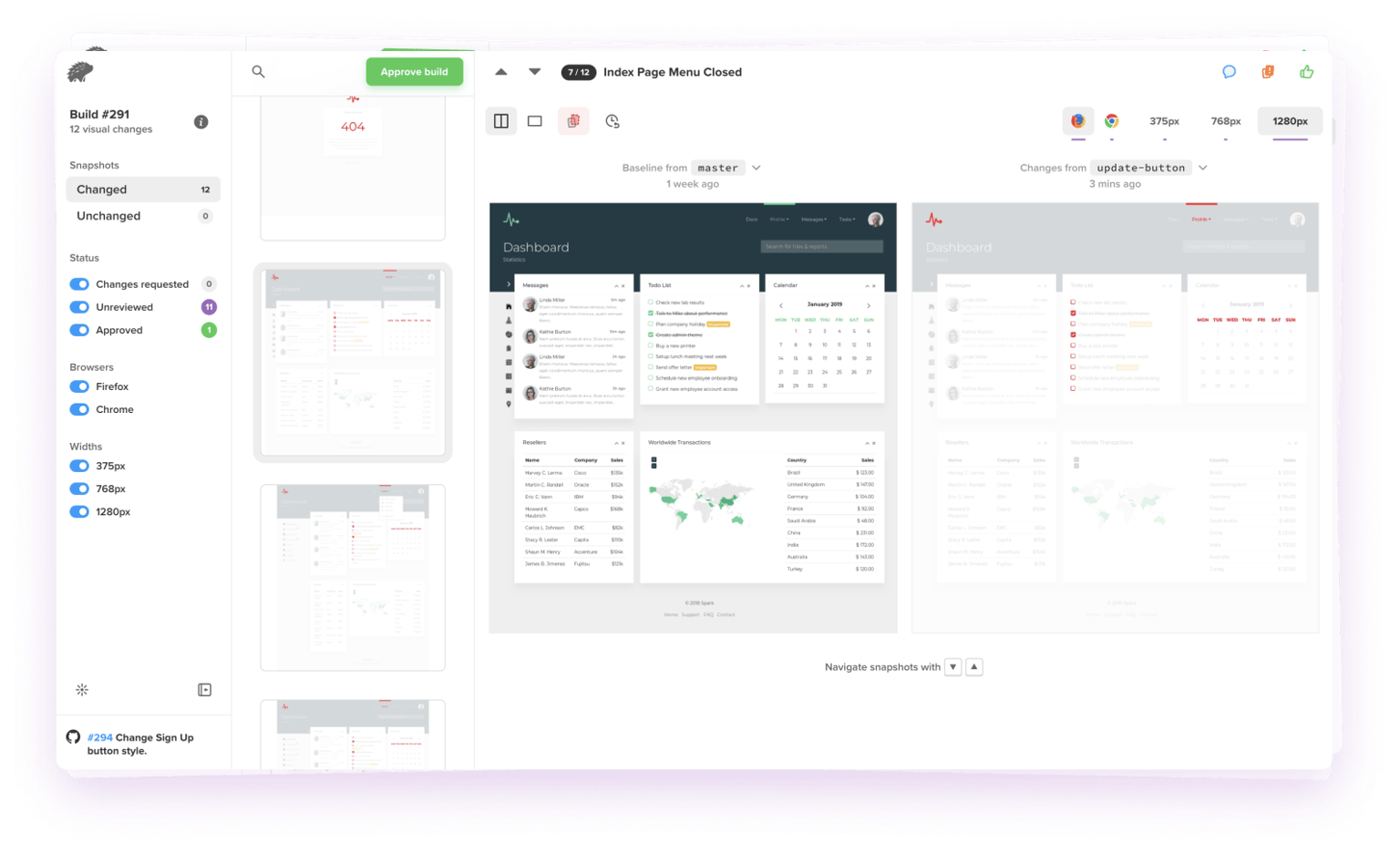
App Percy automatically matches and groups screenshots that have the same visual change, saving you time and effort while reviewing builds. When matching diffs are detected, they are grouped together at the top of your screenshots list. All matching changes can be approved or have changes requested with a single click. You can expand the group to inspect individual screenshots.
Diff Highlighter
The diff highlighter is a static bar alongside a new image showing where changed areas are located. Very small changes or elements that match the diff overlay color may be difficult to spot. The highlighter can help identify where differences are at quick glance instead of having to zoom in or enable the diff overlay.
Configurable Diff Sensitivity
Not every project is the same; some require more attention to detail than others for each change. This setting allows adjusting the diff sensitivity when differentiating between the base build (Original) and the head build (New) on the project. The setting takes effect on the next build and does not affect past builds. App Percy provides five values ranging from Strict to Relaxed.
Percy Visual Engine
App Percy’s robust AI-powered algorithm detects the changes your users actually care about. It can help you reduce noise and streamline your image comparisons with page shift detection, handling anti-aliasing noise, intelligent text stabilization, and ignore regions. Learn more about Percy Visual Engine
Page Shift Detection
App Percy's smart diffing algorithm now highlights padding diffs without affecting the entire page. It highlights the exact pixels that cause the page shift instead of marking all of the page's contents as a diff.
Ignore Regions
Sometimes, you may have an area in a snapshot that you would like to not show up as a change, even though the images may be different. Using App Percy’s ignore regions feature, you can ignore specific regions on a page and not worry about dynamic data causing flakiness in your subsequent builds.
Public Projects
Public projects give OSS creators and maintainers the ability to transparently run visual reviews while giving contributors insight into the visual impact of any given code change. Having this level of visual transparency gives contributors an opportunity to proactively review and make improvements to their contributions.
Intelligent Element Handling
App Percy's AI-powered algorithm automatically handles and disables dynamic page elements such as date and time on a status bar. This eliminates concerns about flakiness and instability that could otherwise disrupt your testing process.
Integrated Workflows
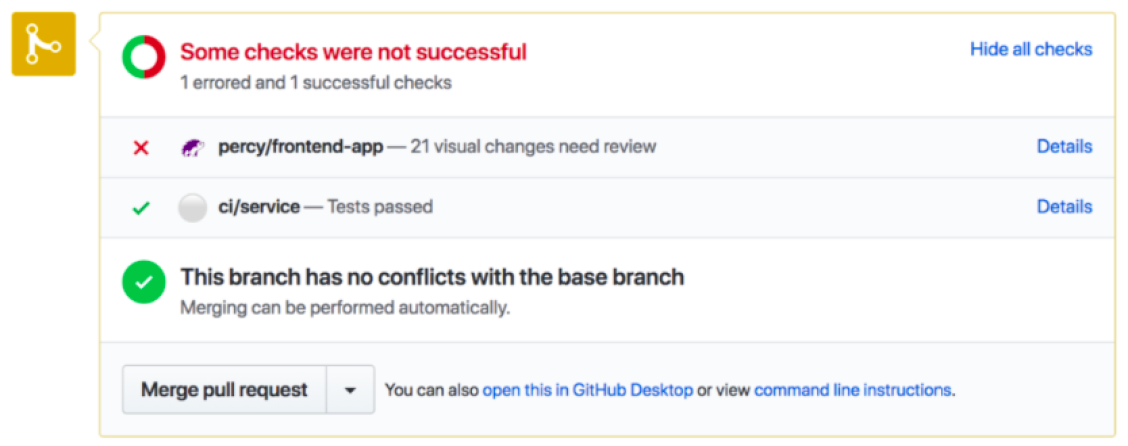
App Percy maintains baselines, branch logic, and approval carry forwards, keeping your reviews in sync with your workflow at all times. Within App Percy, you can either "Approve All" screenshots in an entire build, approve groups of matching visual changes or approve individual screenshots. Once all screenshots in a build are approved, the whole build will be approved.














 WhatsApp
 LinkedIn
 Facebook
 X
X
 Email
Email