





Product Overview
Create, store, and protect user credentials locally on devices, and centrally manage passwords.
Contrary to most cloud-based password managers, the JumpCloud Password Manager only stores passwords & 2FA tokens locally on users’ devices and syncs the vaults between those devices through advanced end-to-end encryption. No secrets are seen or stored in JumpCloud’s cloud-based infrastructure.
The JumpCloud Password Manager is available on all popular browsers including Chrome, Edge, Safari, Firefox, and Opera.
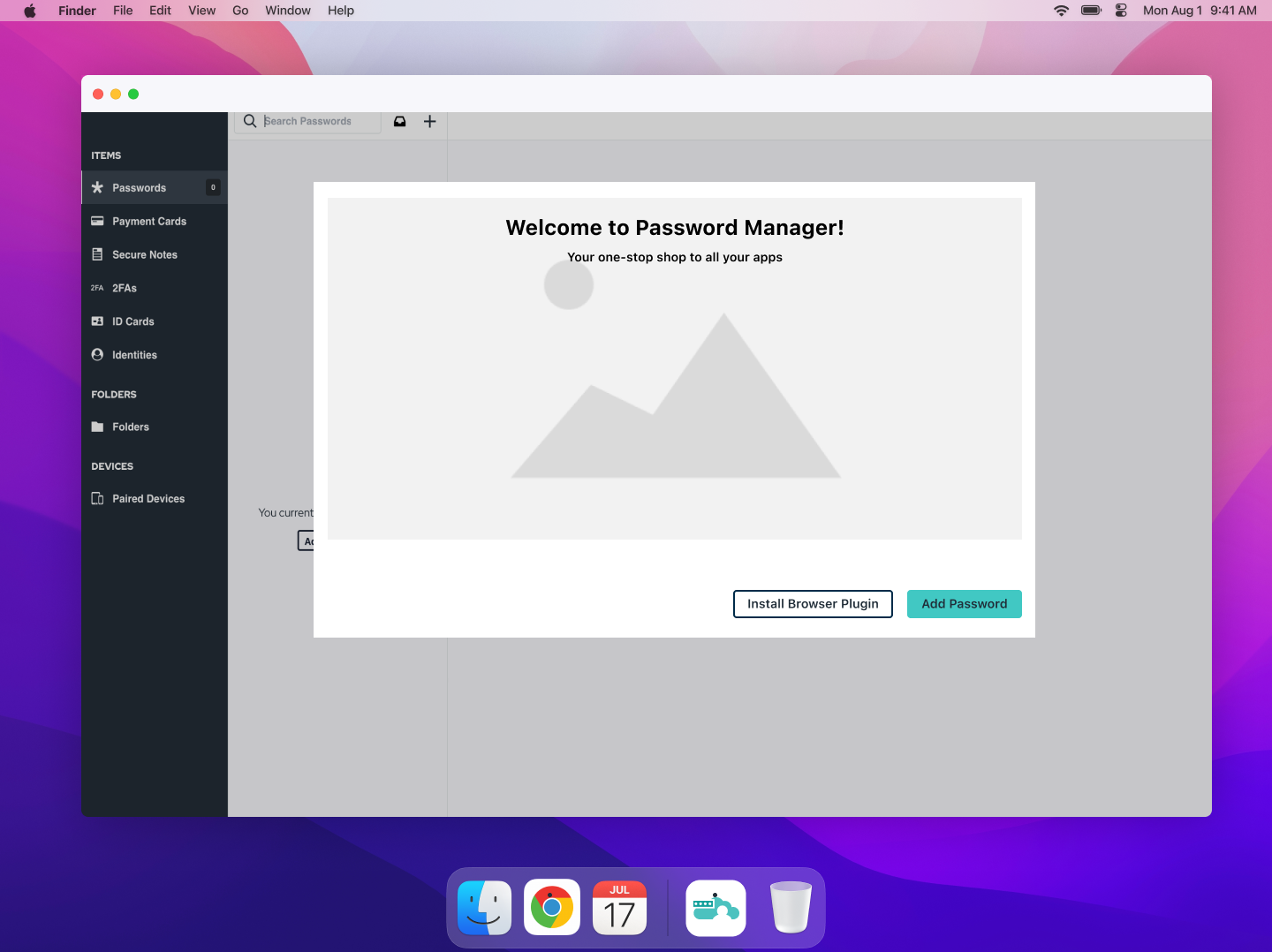
The JumpCloud Password Manager Desktop app is compatible with Windows, Mac, and Linux and the mobile version is compatible with iOS and Android.
Specifications
Eliminate Attack Vectors
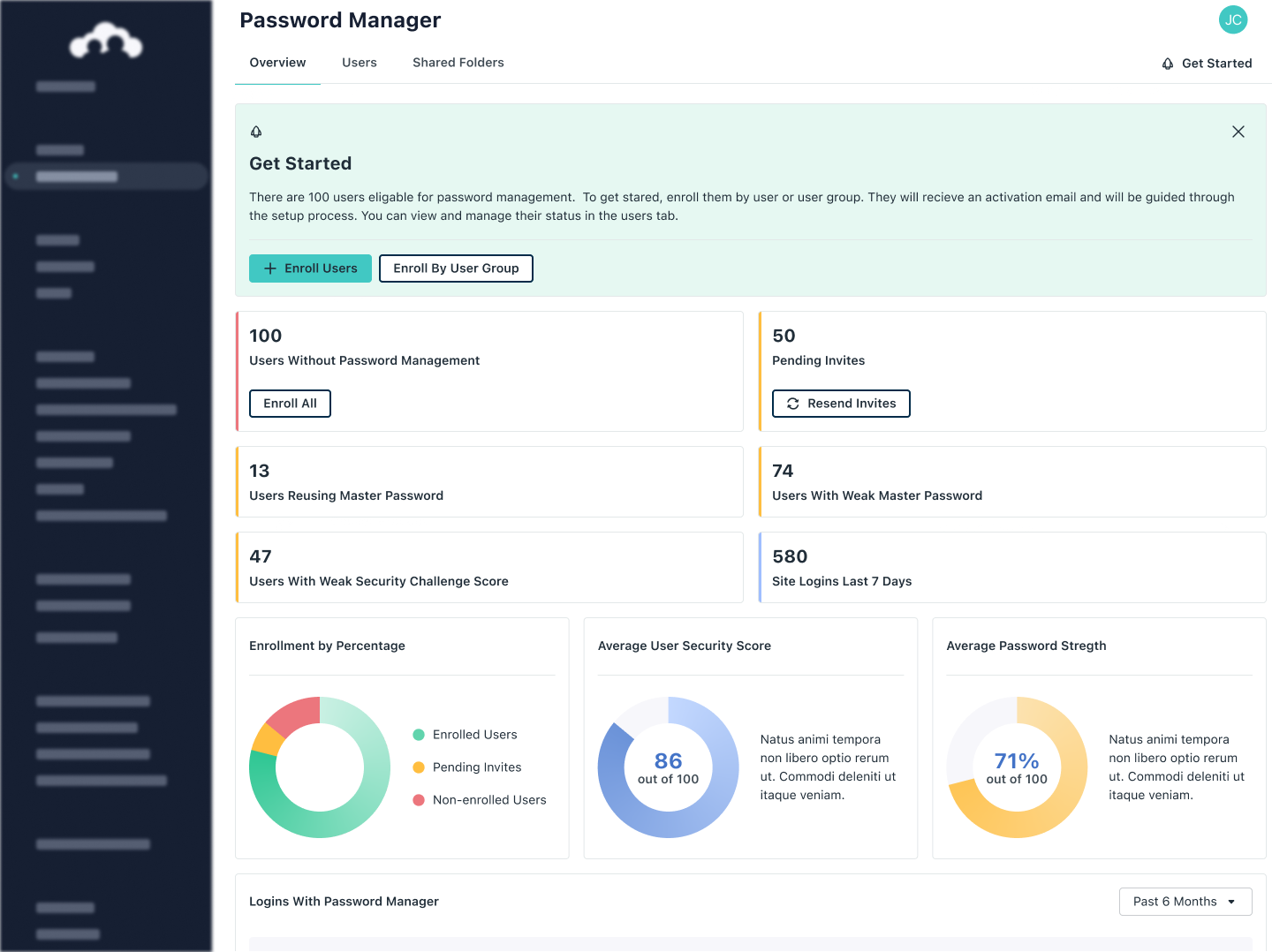
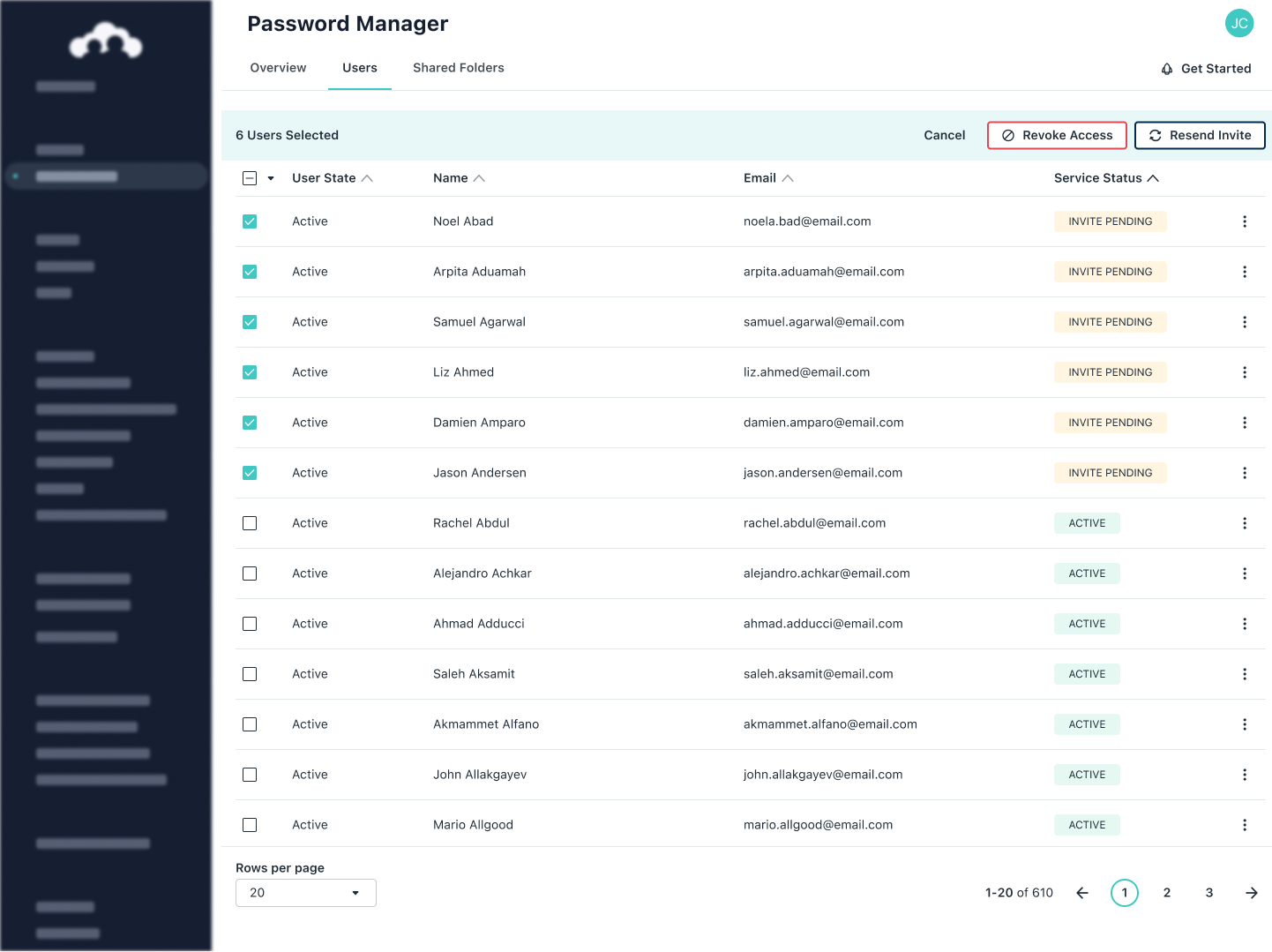
Password management is an integral part of identity and access management. It’s most effective when integrated seamlessly with your core directory and other authentication practices such as SSO and MFA. Easily manage privileges, passwords, and security, all in a single console, for full-scale access control.
Seamless User Experience
Clunky login processes make users less likely to follow best practices such as creating strong, unique passwords for every account. With JumpCloud Password Manager, stored passwords are auto-filled without interrupting the user experience.
Centralized Access Control
Password management is an integral part of identity and access management. It’s most effective when integrated seamlessly with your core directory and other authentication practices such as SSO and MFA. Easily manage privileges, passwords, and security, all in a single console, for full-scale access control.